
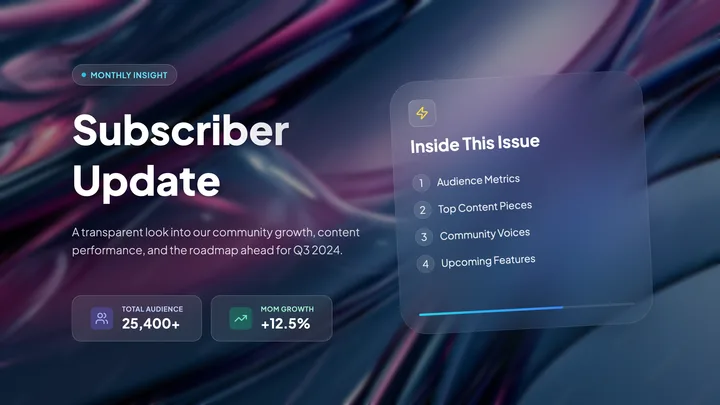
Subscriber Update
Marketing · 5 slides · 16:9
Describe your topic or add your notes, and get a deck you can edit.
We need to verify your sign-in and plan before uploading materials or enabling web research.

Type a topic, or add a PDF, images or a link.

Answer a few quick questions and Cue Slides drafts the deck.

Change any slide, then share a link or download it.
Describe your topic, audience and key points, or try an example in the prompt box. No design experience is needed to start. Cue Slides drafts a pitch deck, product launch deck, team update or lesson for you to review and edit.
Yes. Create and edit in your browser. You can browse templates without signing in; sign in to check available materials, generate a presentation and manage your saved work. The Cue desktop app is optional.
Paste your notes directly into the prompt. Creation using Cue membership currently supports text only. Existing Slides plans may also support file attachments and website sources; the prompt box shows what is available for your account. Remove the website source chip to keep a URL as text only.
Browse the template library, preview a design, then choose Use template and describe your content. The result follows the template’s style and structure; it is not an exact copy. Preview only designs cannot currently be used for generation.
Supported page sizes are widescreen 16:9, A4 portrait and square (1:1). State the size and page count in your prompt, such as “Create a single-page A4 portrait resume.” Use a template with a matching size.
Yes. Open Edit to change text and images, regenerate a page, or ask for changes in the chat. Specify the page and what to keep when requesting a small change. Wait for saving to finish before leaving.
Web research starts off and is available on supported Slides plans. Creation using Cue membership does not yet support web research. The prompt box checks your plan before enabling it.
Open Download for PDF, PNG, HTML and PowerPoint options. PDF keeps pages as shown; PNG combines them into one tall image. Make changes in Edit and download again. PowerPoint is in beta and may fail: charts and graphics export as images, and layouts may differ. PowerPoint (Images) uses whole-page pictures. HTML viewers may need an internet connection for images or fonts.
Sign in to see whether your account is using Cue membership or an existing Slides plan, and check available credits. See Pricing for your current options.
Keep the brief focused and keep a local copy of longer notes. Creation using Cue membership currently supports text only. Supported Slides plans can use PDF or text attachments within the upload limits. Selected files stay on your device while your plan is being checked.
Generation time varies with the page count, source material and web research. Follow the progress in your saved presentation. If a step fails or appears stuck, check its latest status and any retry message before starting again; repeating the request can create another presentation. Use Feedback to report the problem with the presentation’s link.
Review facts, figures, sources, page count, text fit and the final exported file. Replace sample template content and verify image permissions. Use only material you are allowed to upload, and read the Privacy Policy for how data is handled.
Marketing · 5 slides · 16:9

Business · 7 slides · 16:9

Business · 8 slides · 16:9

Business · 5 slides · 16:9

Proposal · 6 slides · 16:9

Portfolio · 5 slides · 16:9

Medical · 5 slides · 16:9

Brand · 8 slides · 16:9